Tradeplate
Your contractor licence number on every page, under every contact form and in your schema markup, linked to the state board's lookup - and a check of your pages for wording California's rules forbid.
For US contractors on WordPress, especially California CSLB licensees. CSLB's Industry Bulletin 20-21: the licence number goes on all advertising, including websites (Business and Professions Code 7027, 7029.5, 7030.5 and CCR 861); advertise only within your classifications; and never advertise that you are bonded.
Not legal advice. Ads off the website - vehicles, print, directories - need the number too.
Inside Tradeplate
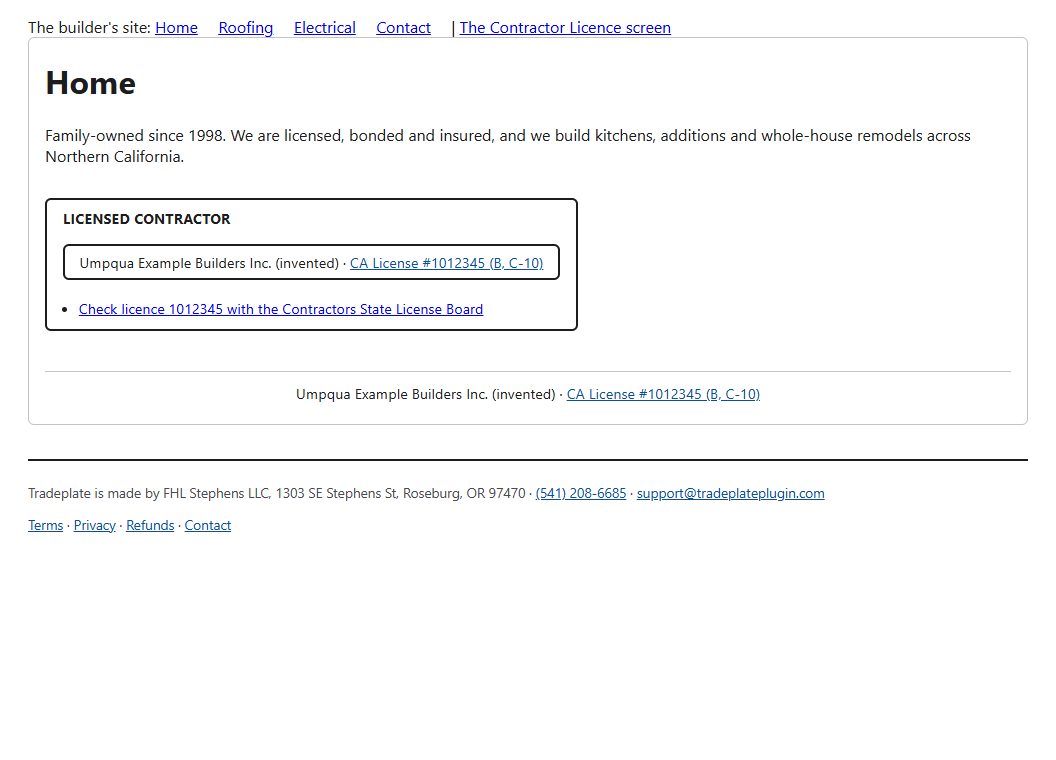
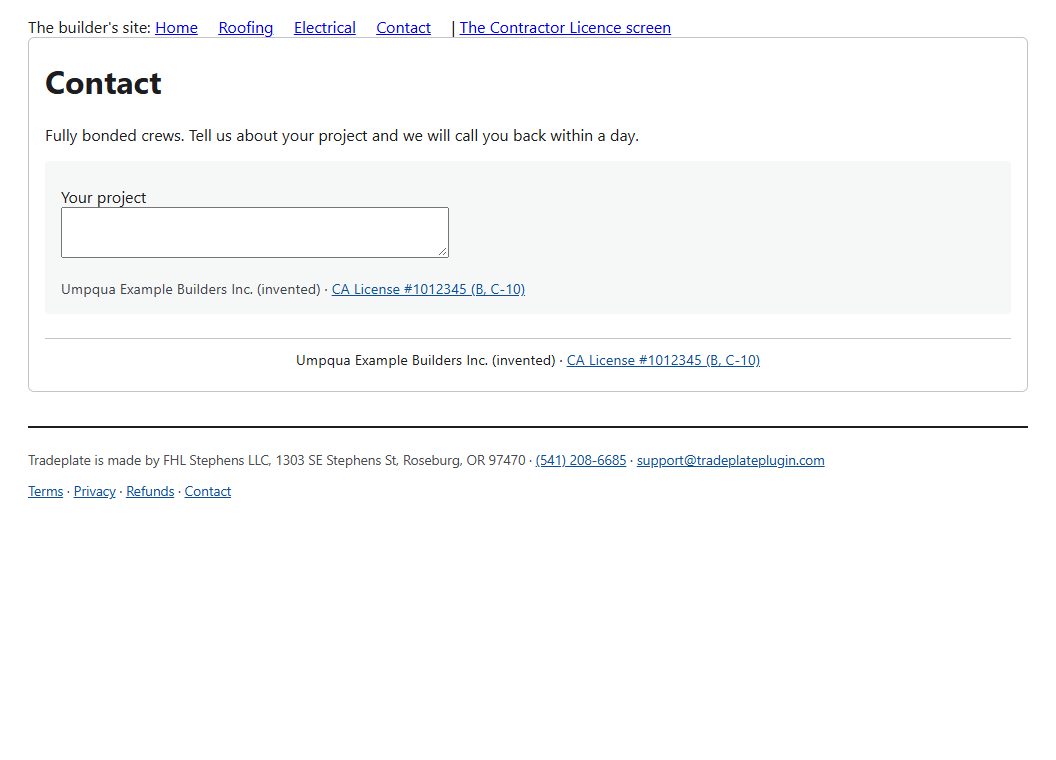
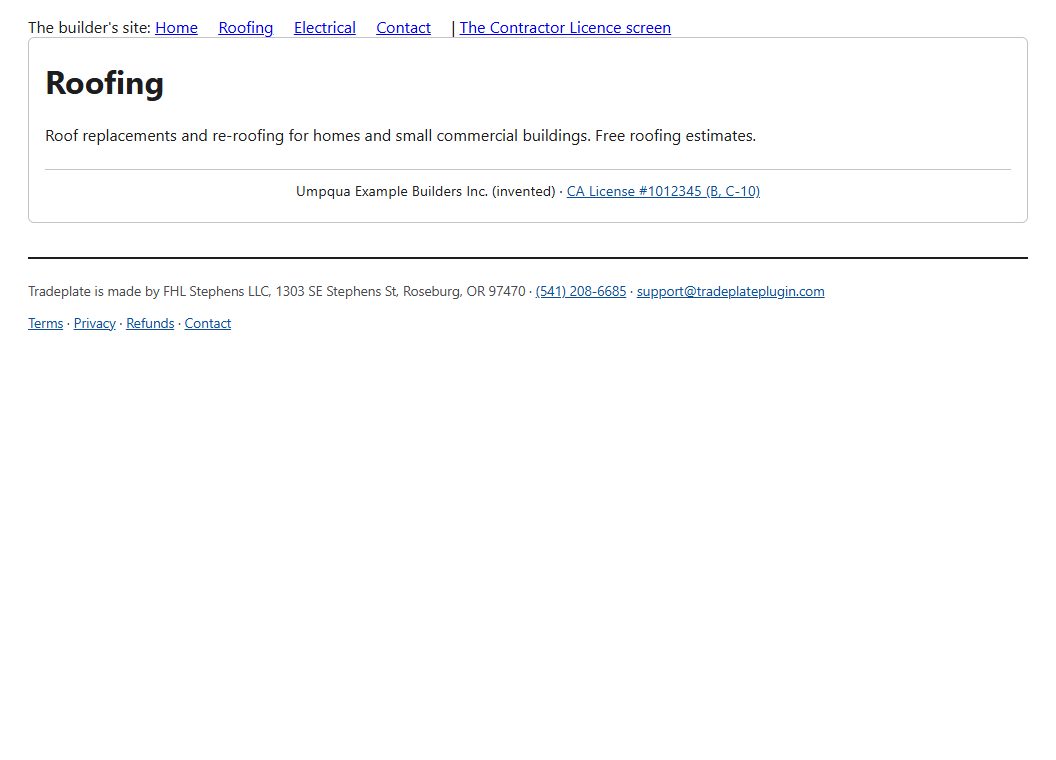
The licence line - "CA License #1012345 (B, C-10)", linked to the CSLB lookup - in the footer of every page and under every Contact Form 7 and WPForms form.
[tradeplate] - a badge with the number and a "check this licence" link.
schema.org - the business as a HomeAndConstructionBusiness with each licence as a credential recognised by its board.
The page check - reads every published page and post and quotes each place that says "bonded", and each trade offered with no classification for it (roofing with no C-39, plumbing with no C-36, and so on - with the B licence's two-unrelated-trades rule explained).
Renewal - a warning on every admin screen from 60 days before the licence expires, and an error once it has.
Other states - enter the board and its lookup page; the number is shown and linked (the wording check is California's).
Before you start
More for trades & local
Ballpark
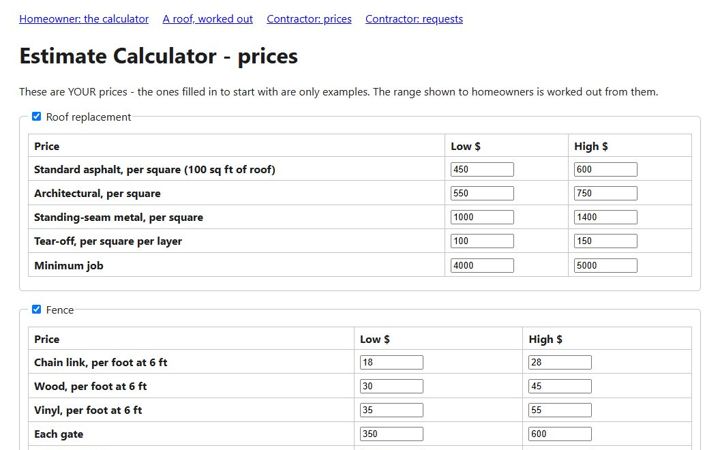
A homeowner enters the size and options and gets a price range from your own unit prices - then books an estimate visit on the same page.
Chalkboard
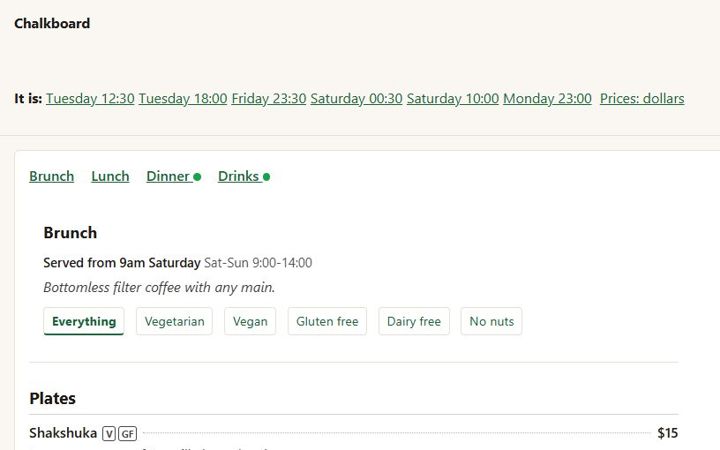
Menus typed the way a kitchen writes them - a line a dish - with sizes, dietary marks, specials on their own days, "serving now", and a sold-out list that clears itself at midnight.
Guildhall
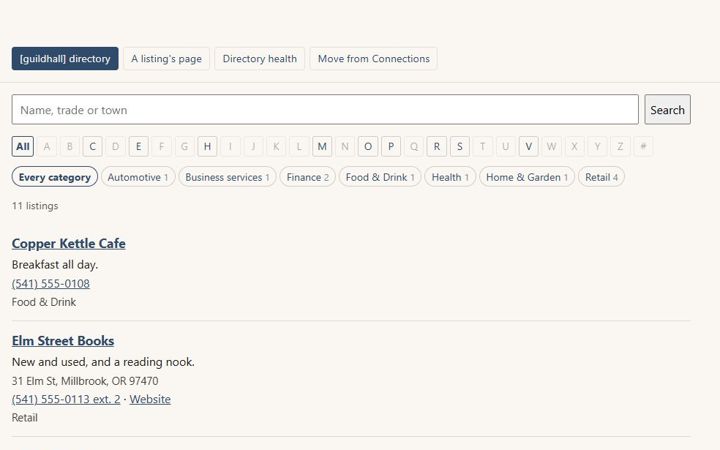
A member and business directory for chambers, associations and clubs. Brings your directory over from Connections Business Directory and keeps its old addresses working.