Changeover
Stage a change to a live page in the normal editor, preview and compare it, and swap it in on a date. The page keeps its address, comments and history.
Inside Changeover
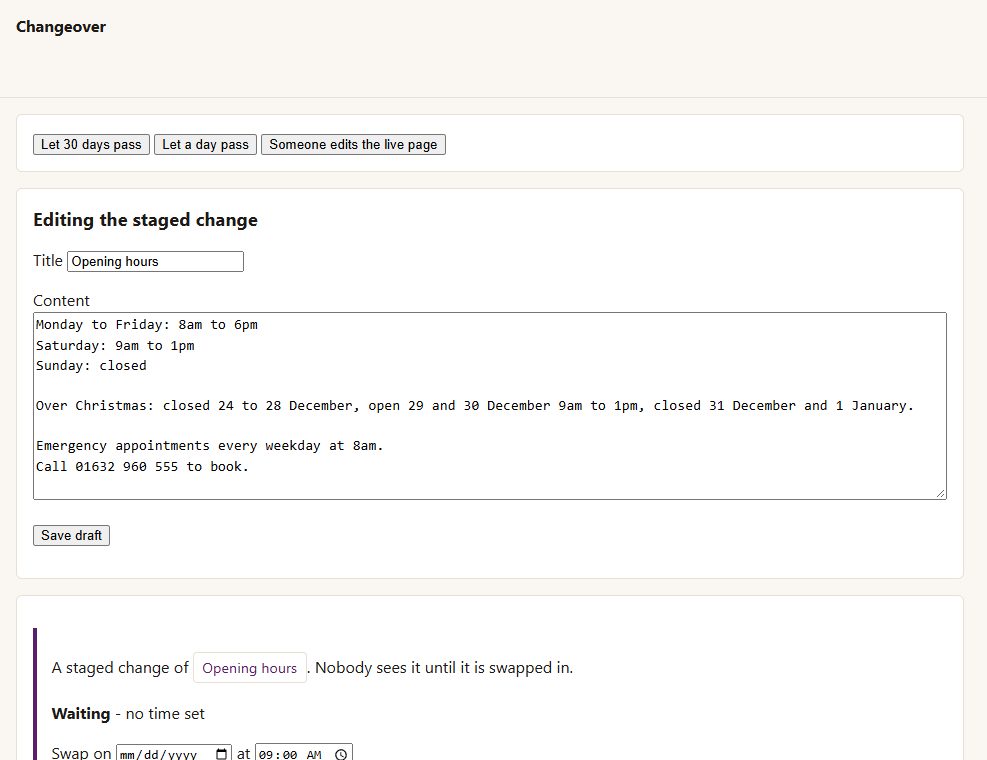
Stage a change to any published page or post: a draft copy with its settings, categories and featured image, edited in the normal editor (block or classic).
Nobody sees it until it is swapped in. Preview it whenever you like.
Compare the change with the live page, line by line.
Swap on a date and time in your site's own time, or **swap now**.
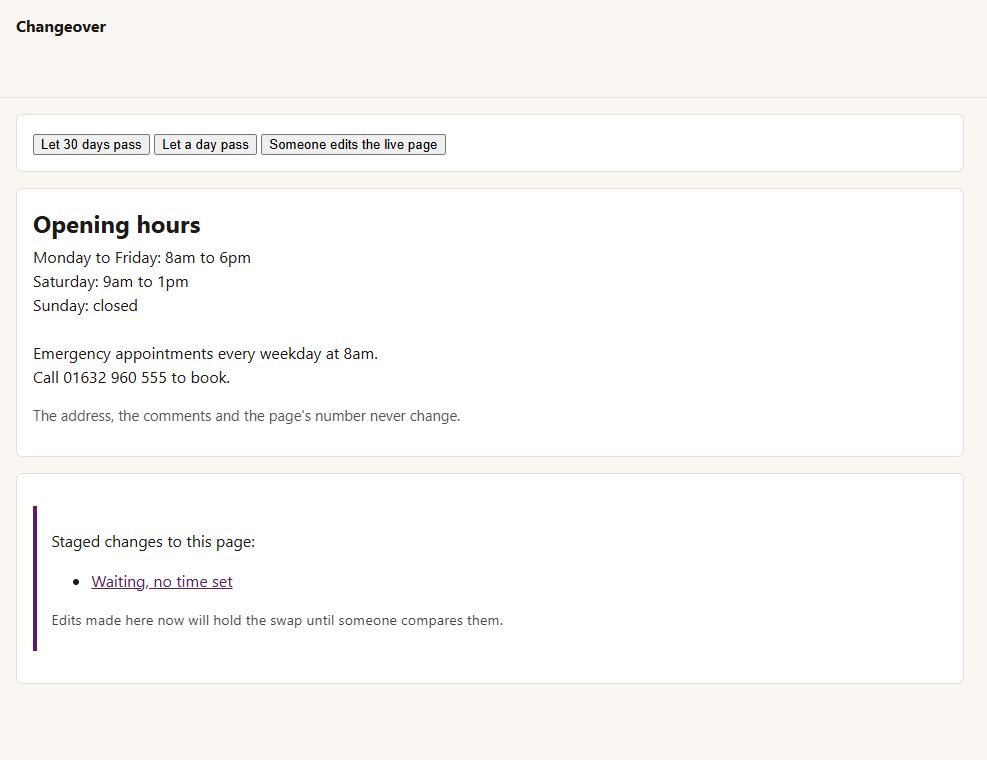
The live page stays the live page
same address, same comments, and the old words go into its revisions.
No edit wipes out another
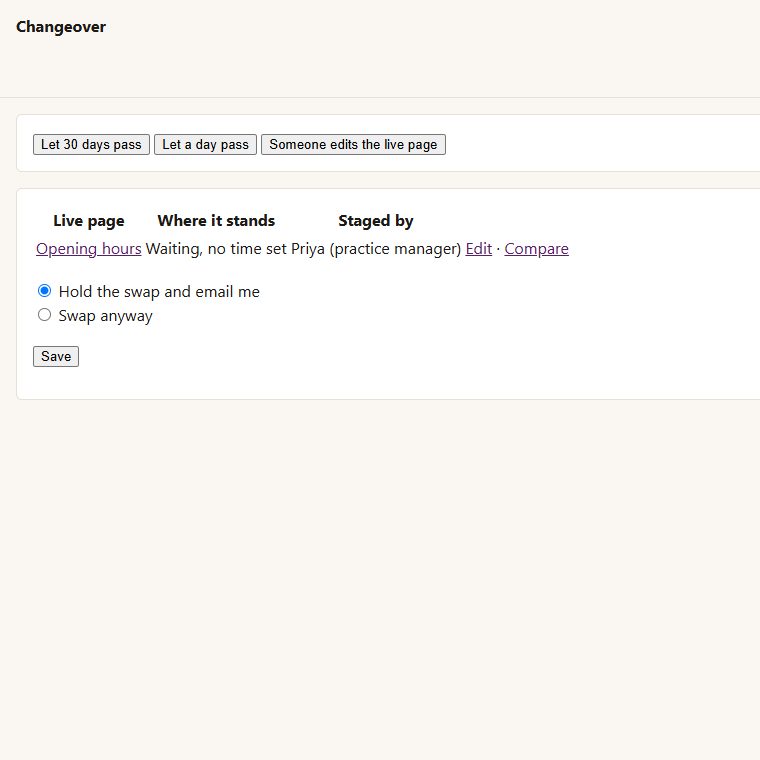
if the live page is edited after the copy was made, the swap is held and you (and the change's author) are emailed, with what changed on each side. You can choose "swap anyway" instead.
Tools > Staged changes lists every one, where it stands, with Edit and Compare.
Before you start
Asked first
Does it work with the block editor?
Yes - a staged change is edited in whichever editor the page uses.
What runs the swap at its time?
WordPress's own scheduler, which runs when the site has visitors; on a very quiet site, set up a real cron job for wp-cron.php.
More for creators & publishers
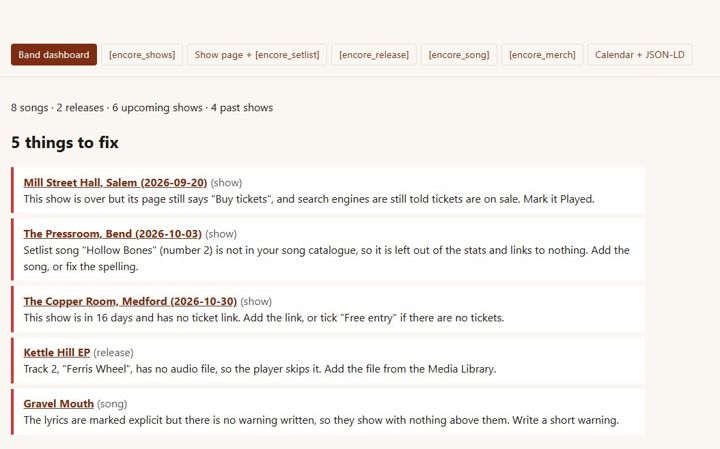
Encore
Independent musicians · releases, lyrics, shows, setlists, merch
Endpaper
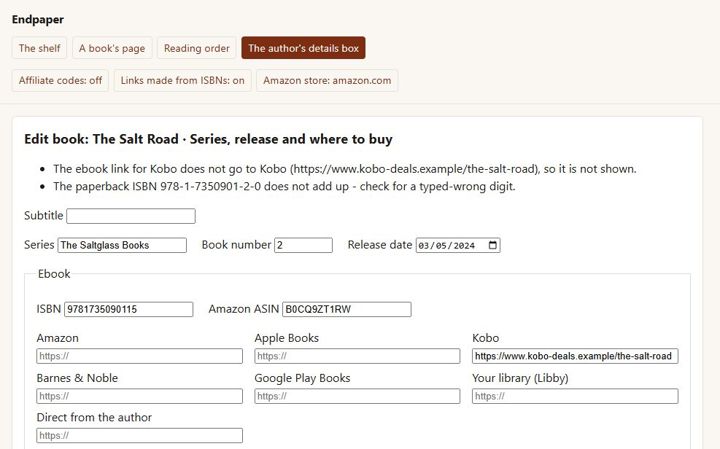
A page for every book with a buy button for every format and shop, each series in reading order, and pre-orders - for independent authors.
Feuilleton
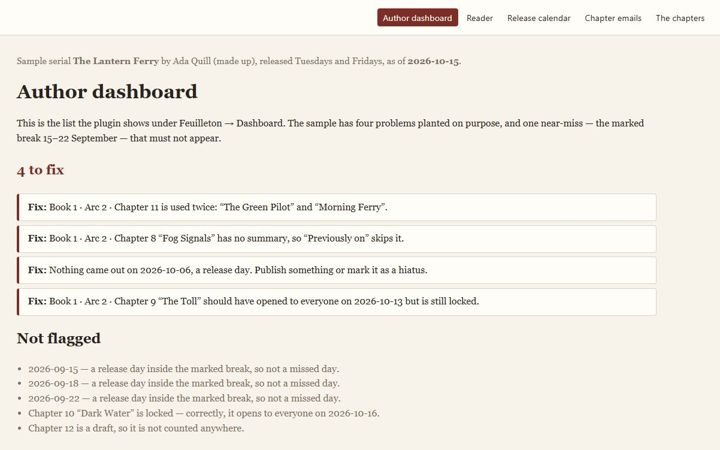
Serial fiction authors on WordPress · recaps, catch-up, early chapters