Quotient
WooCommerce request-a-quote: floor over cost, versions, accept and pay
Quotient is for trade, B2B and made-to-order shops.
Inside Quotient
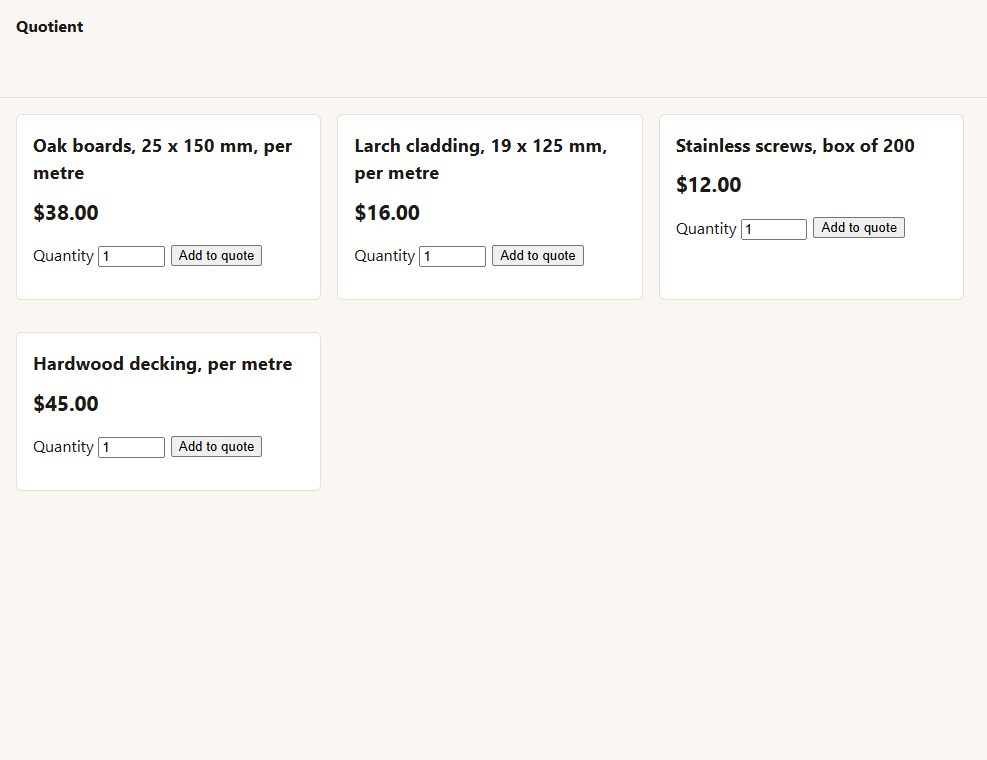
Add to quote on every product, or the categories and products you choose - with the price and Add to cart hidden if you like.
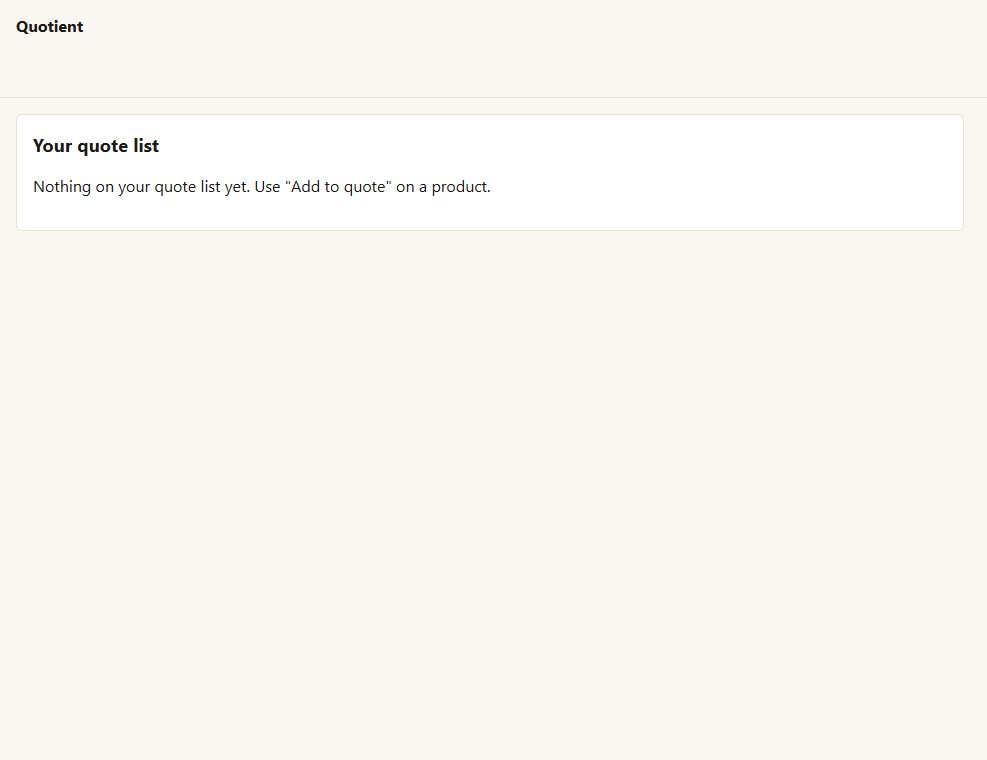
A quote list like a cart, and a short request form (name, email, company, phone, a message).
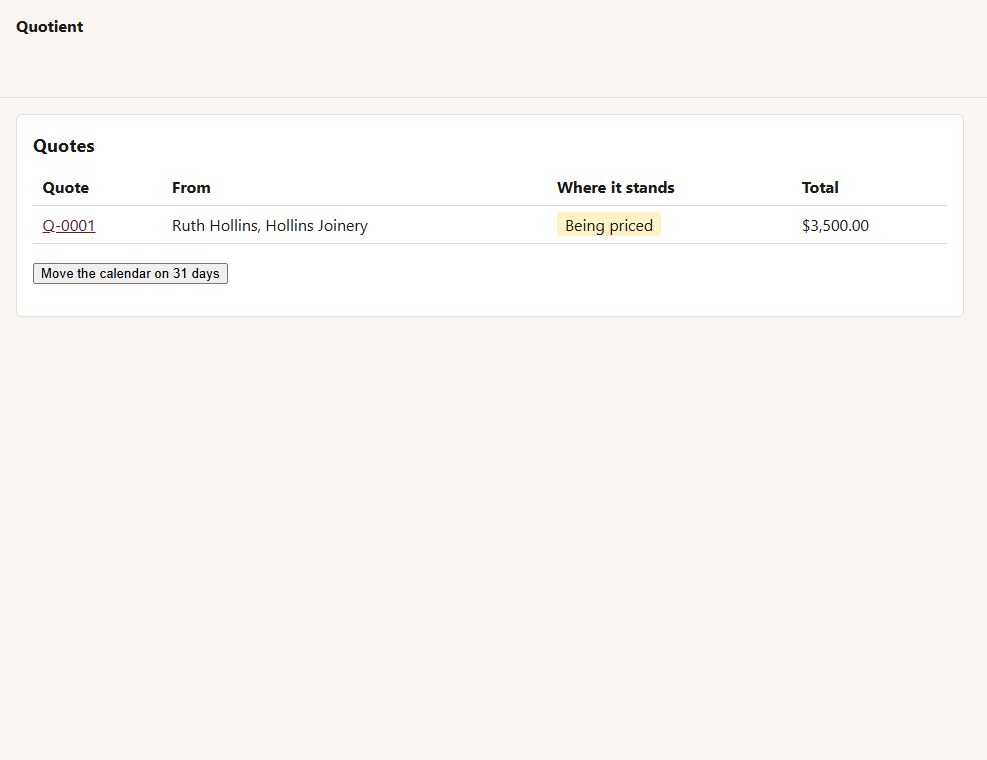
A draft is ready for you
priced at your own prices, with each line's cost floor shown.
Never under cost by accident
a price under cost plus your margin needs a written reason, or the quote cannot be sent. A price over your own is pointed out.
Versions, never edits
once sent, a quote is changed by sending the next version, and the customer sees what moved - prices, quantities, lines added or taken off, shipping, the date, the total.
Good until a date (30 days unless you say otherwise). After it, Accept is refused.
Accept and pay
accepting the latest version makes a WooCommerce order at exactly the quoted prices - whatever your prices are by then - and takes the customer to pay for it.
Ask for a change, or decline, with a message; you are emailed either way.
Before you start
Asked first
Where does the cost come from?
From the product field you name - by default the ones the Cost of Goods plugins use. Without a cost, a line has no floor, and Quotient says so.
Can a customer accept an old version?
No. Only the latest version, while it is good.
More for the storefront
Addendum
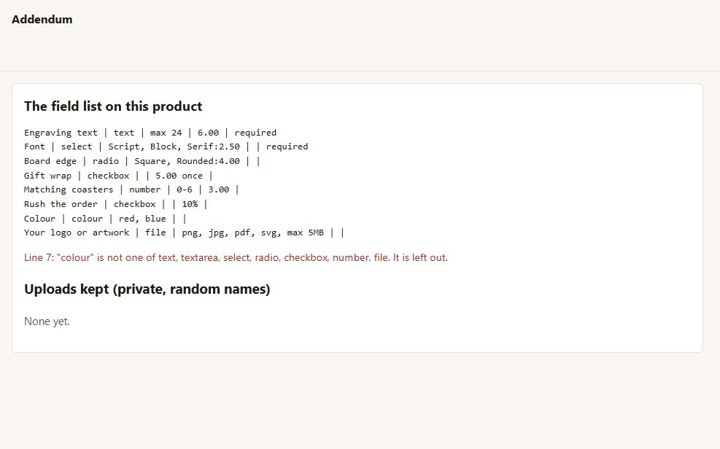
Extra product fields with prices, and a customer artwork upload - checked by what the file really is, kept private.
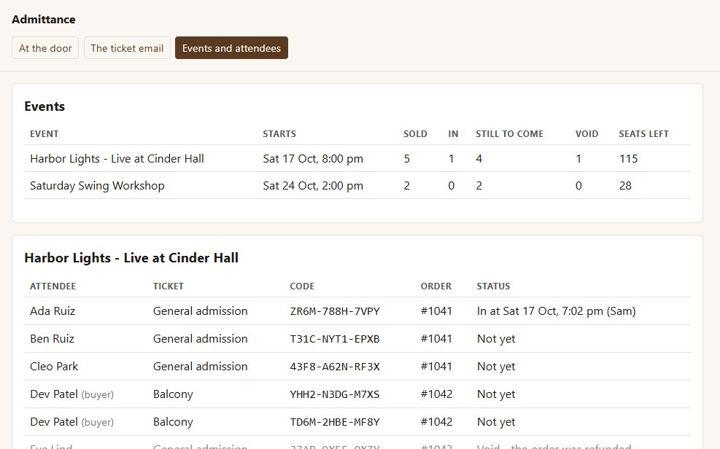
Admittance
Sell event tickets as WooCommerce products, email a named ticket with a QR code per seat, and check people in at the door from a phone.
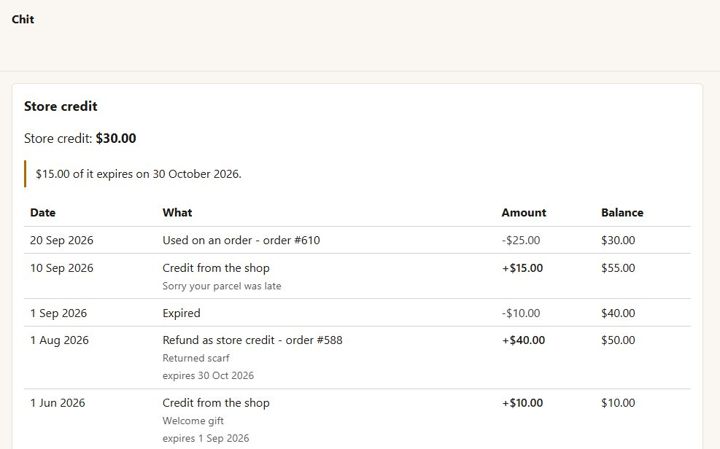
Chit
One store-credit balance per customer - no codes. Refund as credit, give credit with a reason, spend it at checkout.