Hornbook
Sell and run a course with nothing else to buy: lessons, drip, quizzes, progress, certificates and a teacher dashboard.
Hornbook is for teachers and trainers who sell courses on their own WordPress site and do not want a suite of add-ons to do it.
Hornbook uses WordPress's own user accounts and, for selling, WooCommerce if your site has it. It has no checkout of its own, sees no card details, loads nothing from outside your site and sends nothing anywhere.
Inside Hornbook
Courses, modules and lessons
Courses and lessons are their own post types. Each lesson sits in a numbered module with a lesson number, so the order is always clear.
Enrolment three ways
Enrol a student by hand, turn on free sign-up for a course, or link a WooCommerce product: when the order is completed the buyer is enrolled, and a full refund or cancellation takes that enrolment away again. Hand-made enrolments are never touched by a refund.
Drip
Open a lesson a number of days after the student enrols, or on a fixed date, and optionally only once the lesson before it is complete.
Quizzes
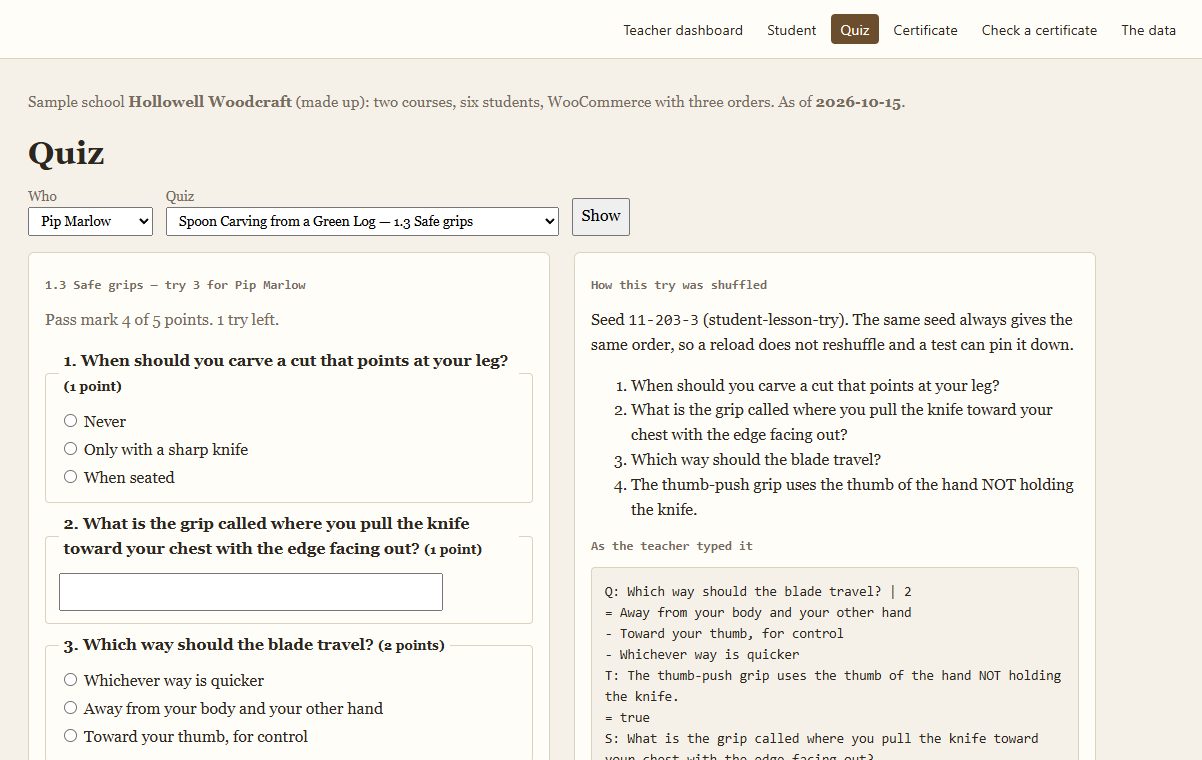
Multiple choice, true/false and short answer (with every accepted answer listed; case, spaces and a final full stop do not matter). Set a pass mark in points, a limit on tries, and shuffle the questions and choices on each try. A lesson with a quiz is complete when the quiz is passed.
Progress and resume
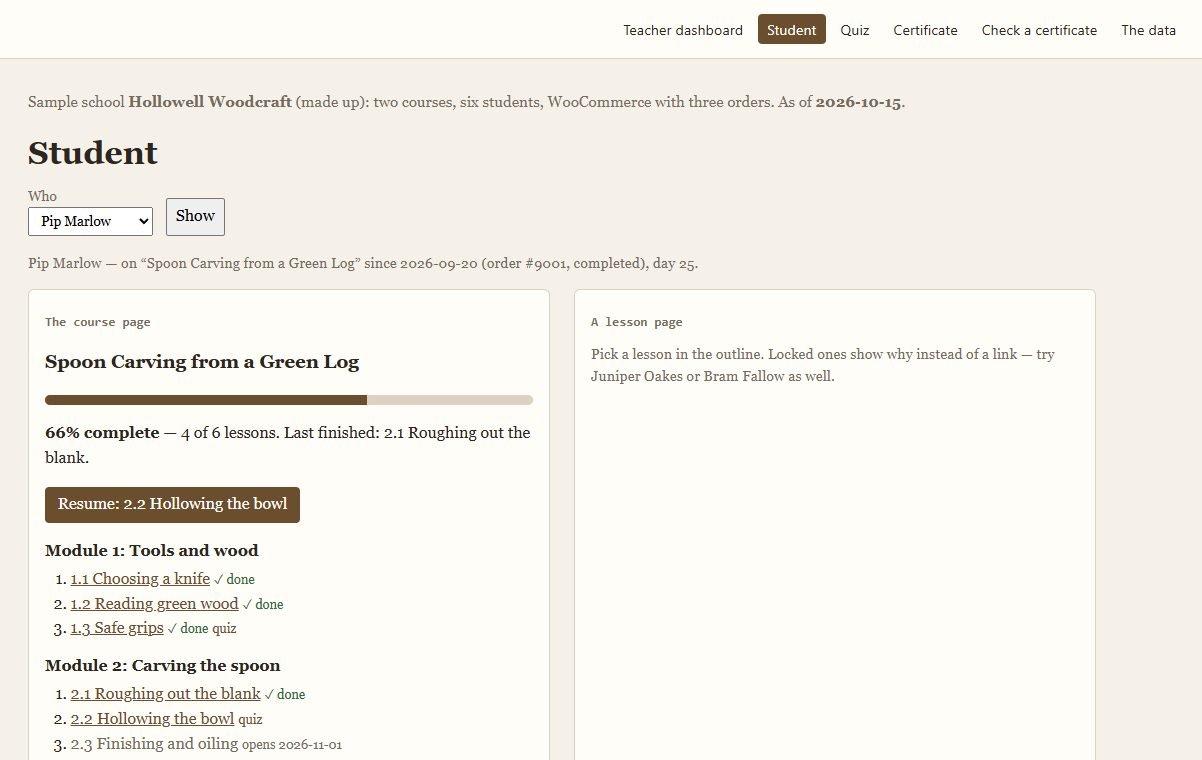
Students see a percentage, the last lesson they finished and a Resume button that goes to the next lesson they can open — or says when it opens and why.
Certificates
Finishing a course issues a printable certificate (print it, or save it as PDF from the print box). Each has a code like HB-ABCD-EFGH-JKLM that anyone can check on your site's public verification page.
Teacher dashboard
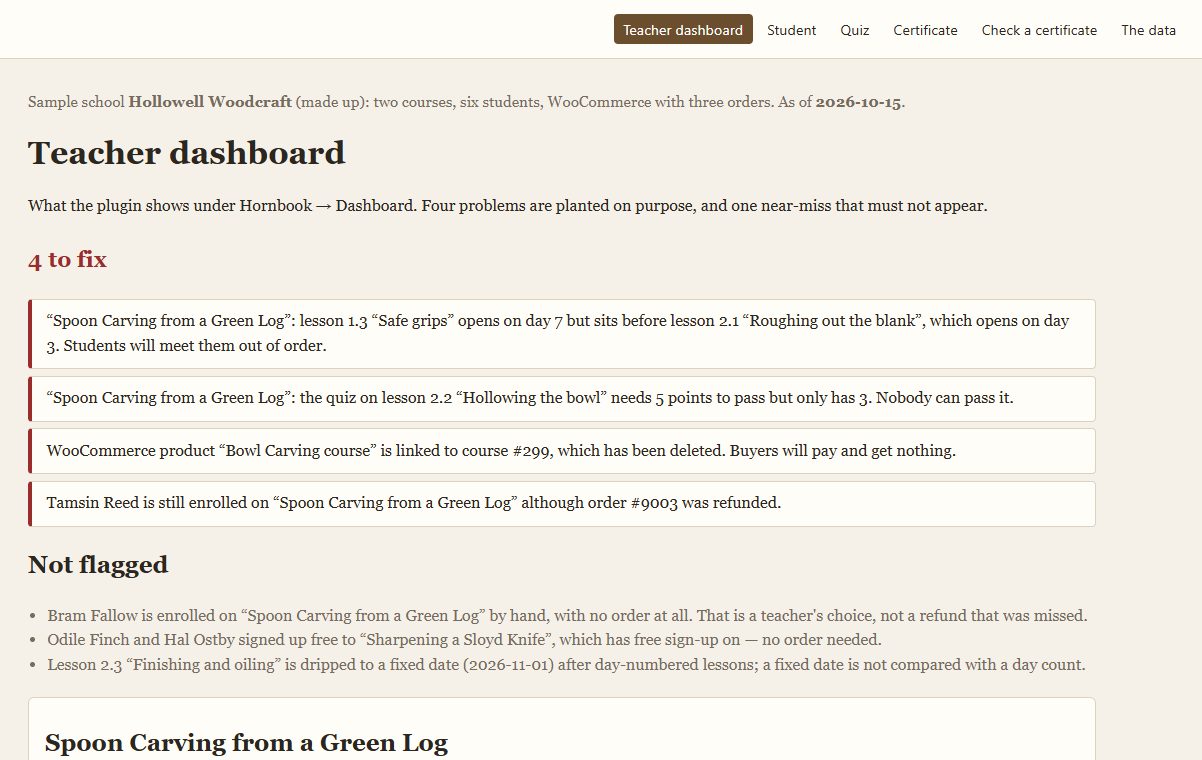
What needs fixing (a lesson dripped later than the lesson after it, a quiz nobody can pass, a product linked to a deleted course, a refunded student still enrolled), who is stuck (no progress in a number of days you choose), the quiz questions most often answered wrong, and how many students finished each lesson.
Before you start
Asked first
Do I need WooCommerce?
No. Without it you can enrol students by hand or let them sign up free. With it, buying a linked product enrols the buyer.
What happens on a partial refund?
Nothing: only a full refund or a cancelled order takes the enrolment away. Revoke it by hand under Hornbook → Enrolments if you want to.
A buyer checked out as a guest.
Hornbook needs an account to enrol. It adds a note to the order; create an account for the buyer and enrol them under Hornbook → Enrolments.
How do I write a quiz?
One question per block in the Lesson box: Q: for multiple choice, T: for true/false, S: for short answer. Add | 2 to make a question worth 2 points. = lines are right answers, - lines wrong ones.
What happens when I delete the plugin?
Its tables (enrolments, progress, quiz attempts, certificates) and settings are removed. Your courses and lessons stay.
More for creators & publishers
Changeover
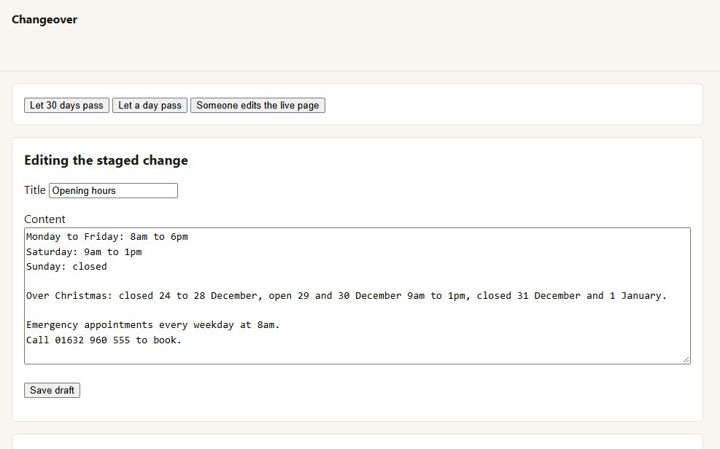
Stage a change to a live page in the normal editor, preview and compare it, and swap it in on a date. The page keeps its address, comments and history.
Encore
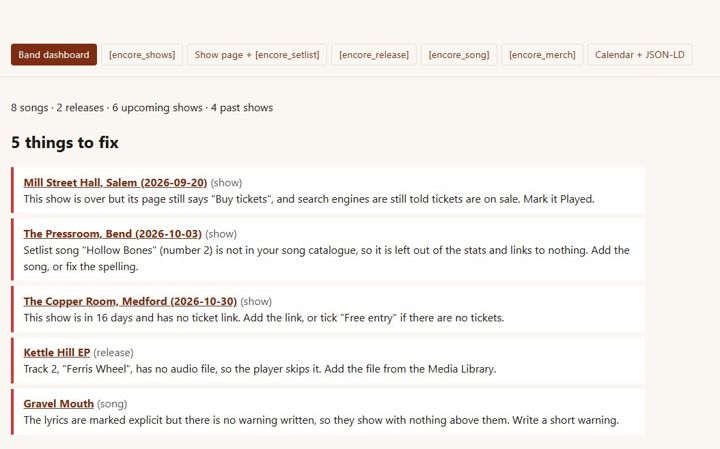
Independent musicians · releases, lyrics, shows, setlists, merch
Endpaper
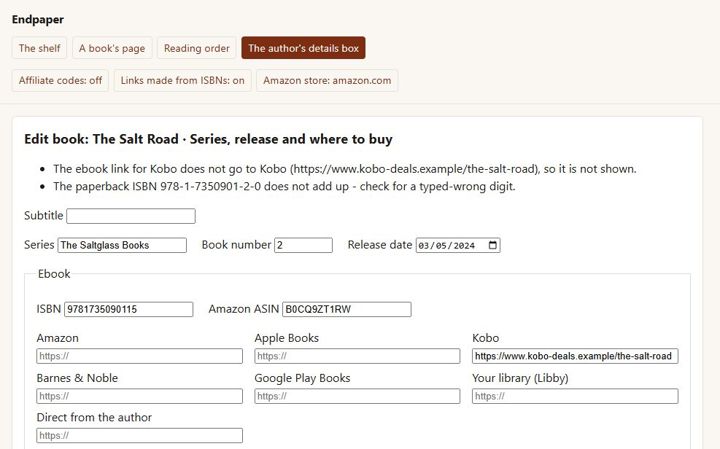
A page for every book with a buy button for every format and shop, each series in reading order, and pre-orders - for independent authors.