Spotmap
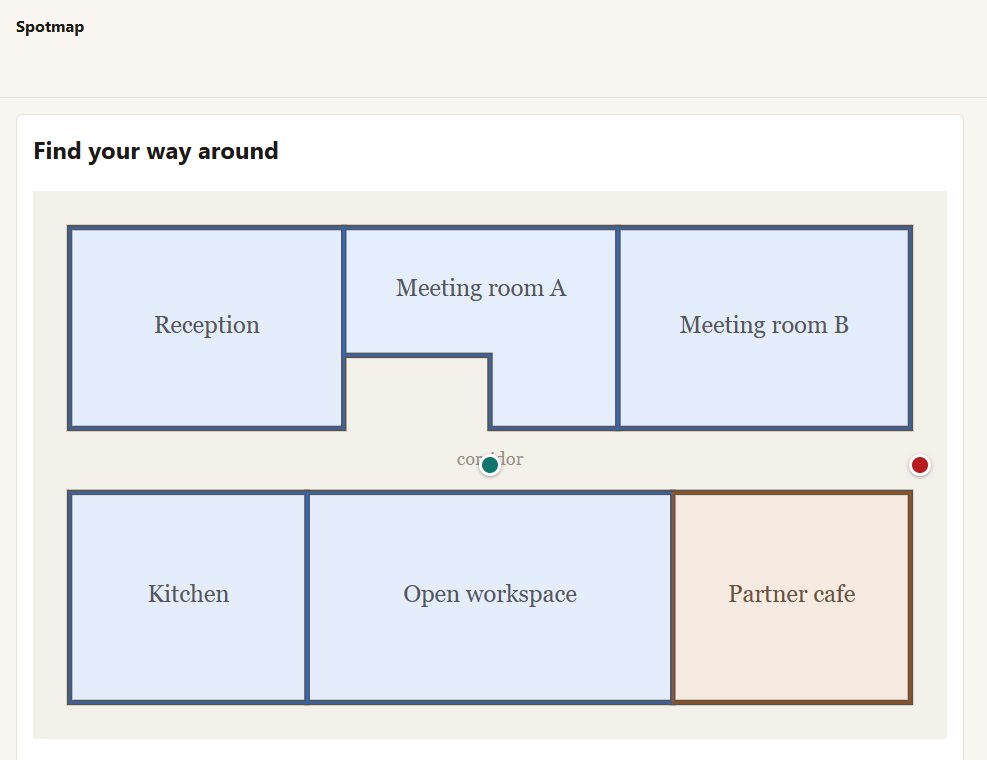
Clickable areas on an image - floor plans, product diagrams, campus and parts maps - that everyone can use: mouse, finger, keyboard and screen reader.
Inside Spotmap
Draw by clicking
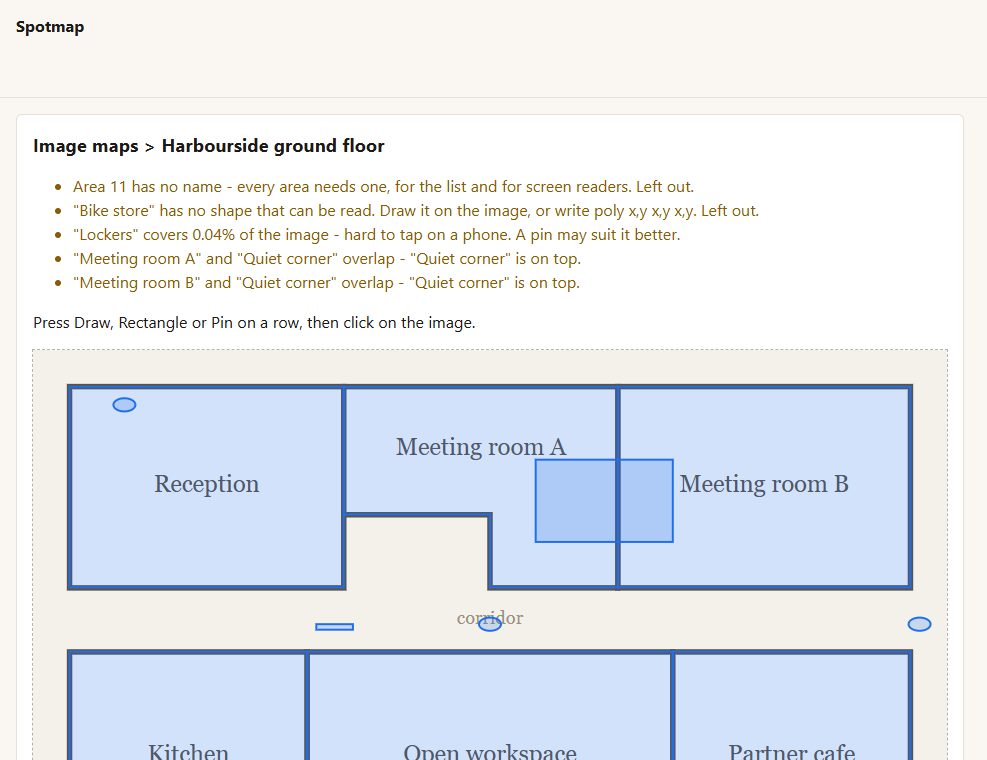
choose an image, press Draw on an area and click its corners; or Rectangle (two corners), or Pin (one click). Shapes can also be typed.
Sharp at any size
areas are drawn over the image and scale with it, on any screen.
Show words or go to a link
an area opens its words in a panel under the image, or goes to a page.
Everyone can use it
every area is a real link a keyboard reaches (Tab, Enter, Escape to close), named for screen readers; without JavaScript it still works.
A list under the image
every area's name and words as plain text - for people who cannot see the picture, and for search engines. It can be kept out of sight while staying in the page.
A check before you publish
areas too small to tap on a phone, areas that overlap, shapes off the edge, and areas with nothing to show.
Its own colour per area, and pins in any colour.
[spotmap id="..."] puts a map on any page.
Before you start
Asked first
Will my maps show up in search results on my own site?
No. Maps appear only where you put the shortcode.
More for creators & publishers
Changeover
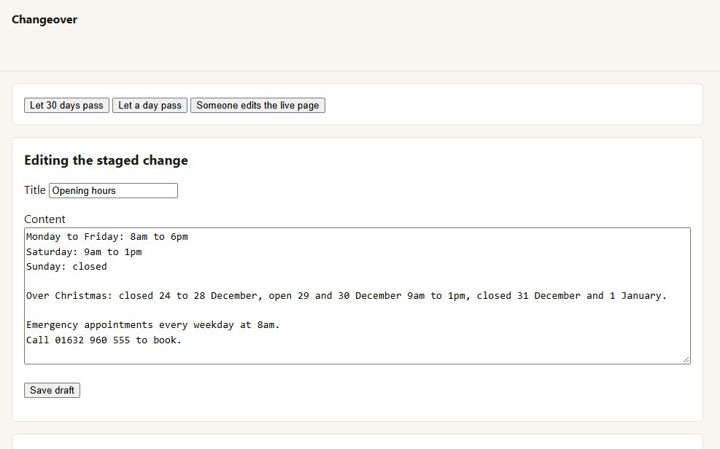
Stage a change to a live page in the normal editor, preview and compare it, and swap it in on a date. The page keeps its address, comments and history.
Encore
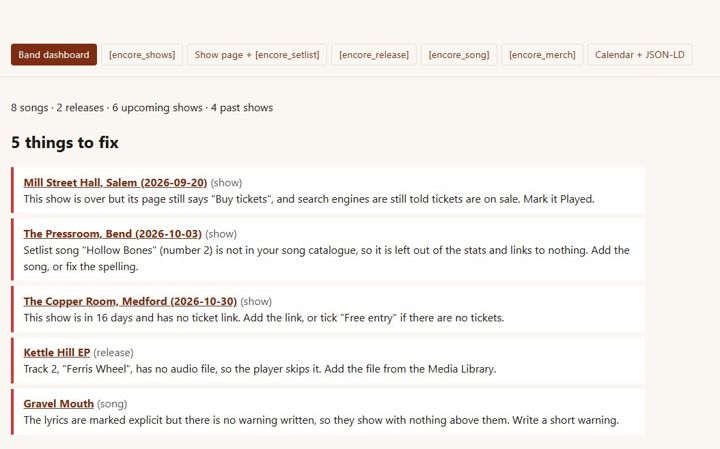
Independent musicians · releases, lyrics, shows, setlists, merch
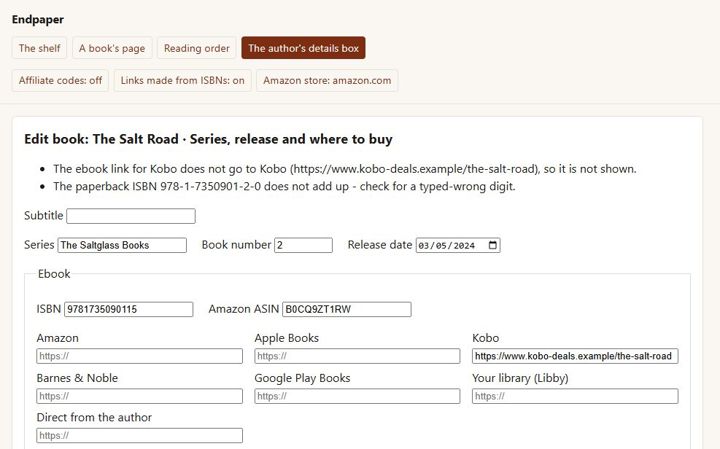
Endpaper
A page for every book with a buy button for every format and shop, each series in reading order, and pre-orders - for independent authors.